How to Use Word Clouds in the Classroom
I was sitting in my weekly tech meetings I attend and one teacher got up and shared how she used a website that creates word clouds. Last year I used word clouds to create my end-of-year gift for my students. I would put their name, and then write a lot of adjectives and silly phrases to describe them. Then I printed them on cardstock and put them in a frame I got from the dollar store. My students absolutely loved them! In fact, just yesterday my student from last year came to me and asked how I made them because she wanted to make them for her friends.

The website to make these types of word clouds is wordle.net. You just need to make sure you install the new version of Java on your computer. This website lets you change the layout, color, font, and even lets you choose which words are bigger than others.
Another great way to use this website is to do co-worker gifts! Here is an example! (Of course, I would add more words, or phrases if I was going to give it to someone).

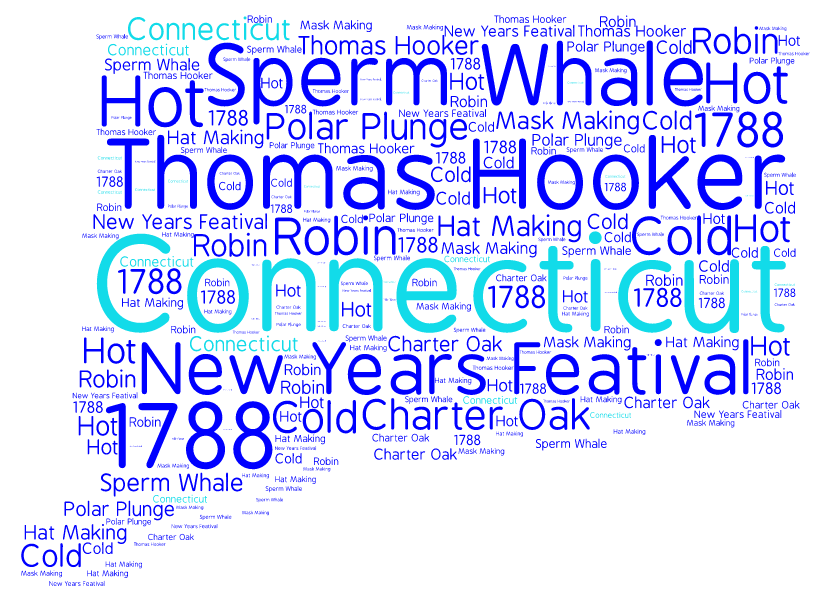
This year I wanted to use them to help integrate technology and art into our core. So I decided to make State Word Clouds. The students had so much fun making them, and they turned out great! I found this website called www.tagul.com. With this website you can turn your normal word cloud into any shape you want! PLUS, the students can use this on their chromebooks, or iPads. It doesn't need Java to run! All you need to is click on shapes and then you can click to add your own image. You can pick any image from the internet (as long as it is filled in, and not just an outline), and you can create a word cloud in that shape! I had each student write a report on the state they chose using my State Float and Report product. Then they created this word cloud by using important words and details from their report and copy and pasted them into this website. The students can then change the color and font how they choose! You could do this with so many different subjects and activities at school. Please share how you use word clouds in your class! Enjoy!